By the Seekiee team · Last updated
seekiee vs Huntr
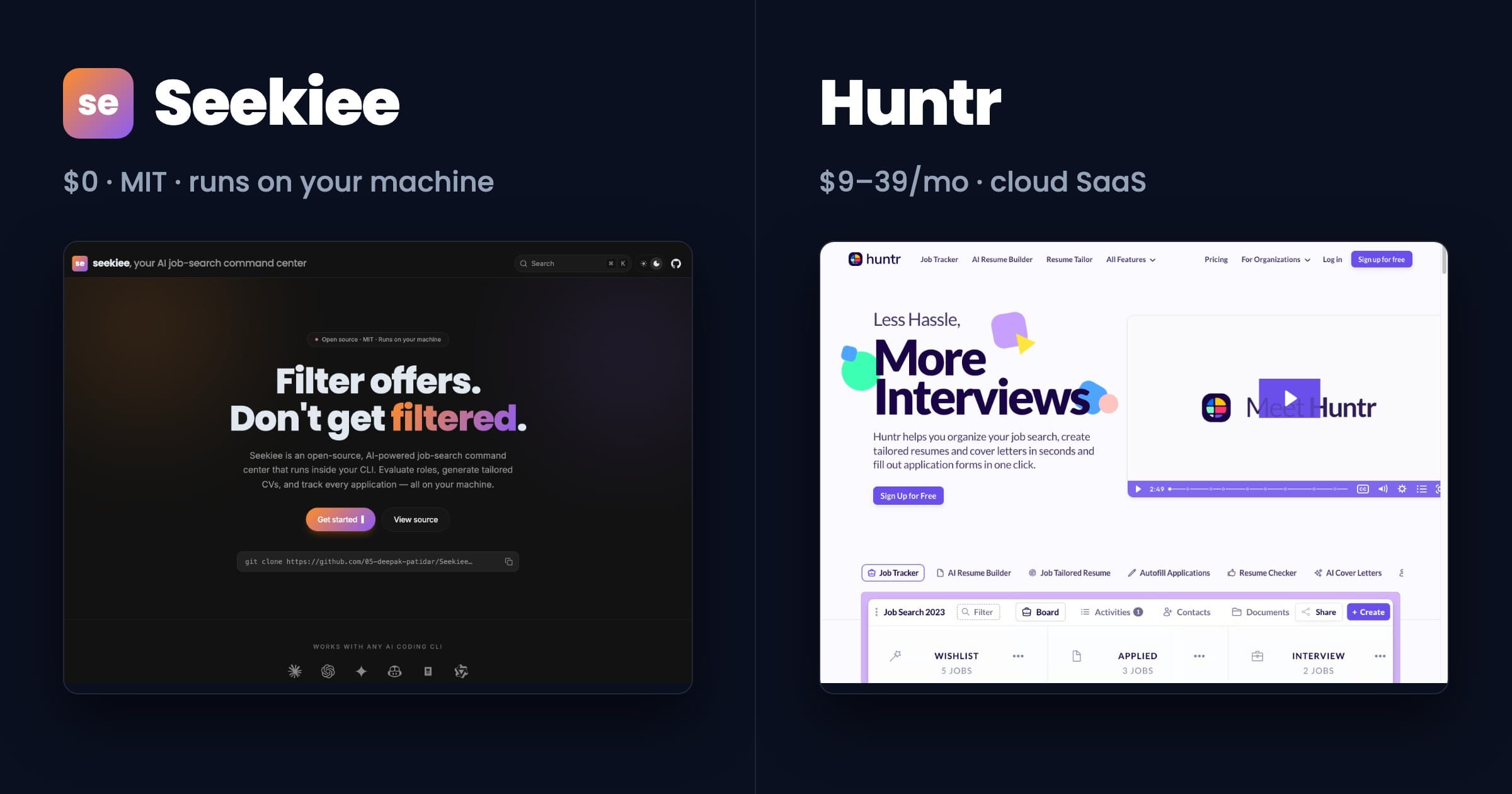
Huntr is the original Kanban job tracker — boards, columns, drag-and-drop, and a Chrome extension that scrapes job posts into cards. seekiee covers the same pipeline plus scanning, evaluation, and tailoring, but it lives in your terminal and on your disk. Same job, different surface area.
The honest summary
Pick seekiee if the full pipeline plus pre-apply form drafting fits your workflow. Pick Huntr if the Kanban board and mobile app are the features that change your search.
Huntr nailed two things: the Kanban metaphor for a job search and a Chrome extension that turns any job posting into a card with one click. The mobile apps mean you can move cards between columns from a bus. For someone who treats job search as an Asana-style project, Huntr is the right shape.
seekiee covers the same tracker plus the work upstream of it — scanning portals, evaluating listings against a rubric, tailoring CVs per job, drafting applications. It does this in a terminal, with everything as local files you can grep and version-control. The one feature that materially leaves Huntr behind is pre-apply: seekiee's apply mode reads each portal form and drafts answers for every open-ended question (the 15-minute time-sink) from your profile and the JD. You review, paste, submit. Huntr's autofill handles standard fields but not the open-ended questions, which is where applications actually slow down.
Different audiences. Huntr is for people whose primary surface is a browser tab; seekiee is for people whose primary surface is an editor — and who want their portal answers drafted before they sit down to apply.
Feature matrix
| Feature | seekiee | Huntr |
|---|---|---|
| Application tracker UX | Go TUI dashboard with stages and keyboard navigation. Terminal-native. | Web Kanban board with drag-and-drop columns. Mobile app available. |
| Job scanning | Yes — scan mode hits Greenhouse, Ashby, Lever, Workday, SmartRecruiters APIs. | Manual paste or Chrome extension scrape from any job board. |
| AI evaluation against rubric | Yes — six-dimension scoring with cited evidence. Gated recommendation at 4.0/5.0. | Match score per job. Algorithm not disclosed. |
| Resume tailoring | Automated per listing — tailor mode generates a CV variant per job. | AI Resume Tailor in paid tier. Manual review required. |
| Cover letter generation | Yes — apply mode drafts per listing using profile and JD context. | Yes — AI Cover Letters in paid tier. |
| Autofill applications | Apply mode generates application content; you paste into the actual form. | Yes — autofills application forms via Chrome extension. |
| Contacts and notes | Free-form markdown files alongside your application data. | Built-in contacts and notes inside each application card. |
| Mobile access | None. Terminal-only. Use SSH if you want it on a tablet. | Native iOS and Android apps. |
| Data ownership | Local files. Applications, resumes, contacts never leave your machine. | Stored on Huntr servers. Standard SaaS data-processing terms. |
| Pre-apply form assistance | Yes — apply mode drafts answers for every open-ended portal question using your profile + JD context. You review, paste, submit. Saves 15-20 minutes per application. | Partial — autofill Chrome extension handles standard fields. Open-ended questions are still on you. |
| Recurring cost | $0 for the tool. Only your AI CLI ($20/mo typical with Claude Pro). | Free tier capped. Paid plans $9–39/month. |
| Source code | Open source, MIT-licensed. | Closed. |
| Press / media coverage | Open source (MIT), runs locally, no account required. | Featured in Forbes, Inc., Mashable over the years. Hundreds of thousands of users since 2014. |
Pricing & license at a glance
seekiee
$0 (MIT, open source)
Recurring cost: only your AI CLI subscription (Claude Pro $20/mo typical). Your data never leaves your machine.
Huntr
Free tier limited. Huntr paid plans from $9–39/month depending on tier.
Proprietary, closed-source. Cloud SaaS. Applications, resumes, contacts, and notes stored on Huntr servers.
Frequently asked
- Does seekiee have a Kanban board like Huntr?
- No. The Go TUI dashboard groups applications by stage (scanned, evaluated, applied, interview, rejected) but it is a terminal view, not a drag-and-drop board. If the Kanban metaphor is the reason you use Huntr, seekiee will not give you that.
- Can seekiee replace Huntr for application tracking?
- For technical users who do not need a mobile app or a browser-based UI, yes. The TUI dashboard, the per-application markdown files, and the apply mode cover the same ground. For non-technical users or anyone who wants to move cards on a phone, Huntr is the better fit.
- What does seekiee do that Huntr does not?
- The work before tracking. Scan mode pulls listings from Greenhouse, Ashby, Lever, Workday, and SmartRecruiters via their public APIs. Evaluate mode scores each listing against a six-dimension rubric with cited evidence. Tailor mode generates a CV variant per job. Huntr starts when you have a posting to track; seekiee starts when you have a profile and want listings worth tracking.
- Is seekiee really free?
- The software is MIT-licensed and costs zero. The only recurring cost is your AI CLI subscription, typically Claude Pro at $20/month for a full job search.
See all comparisons at /compare. Read about the project at /about.